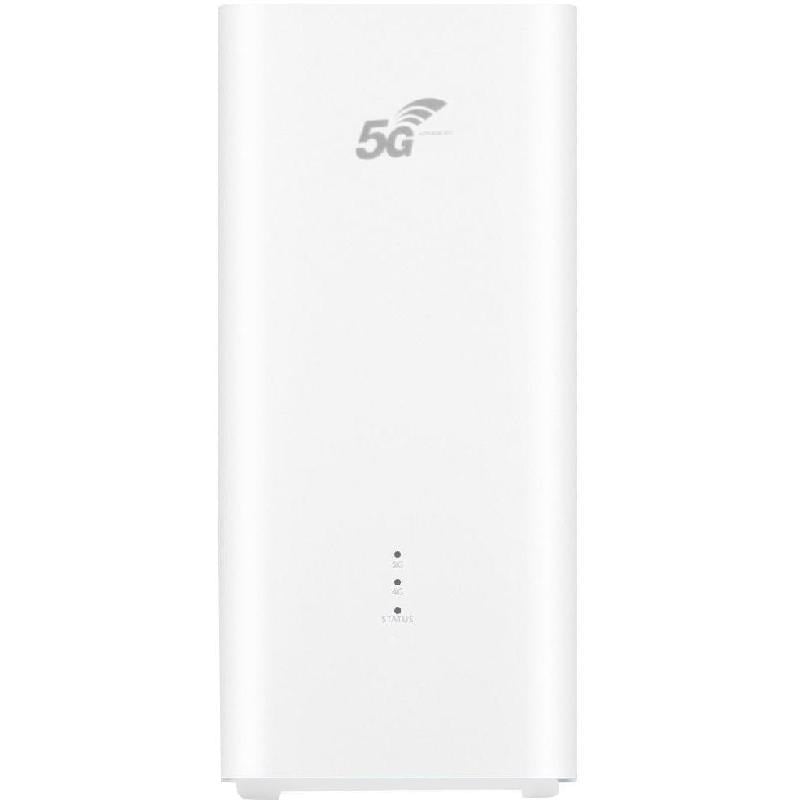
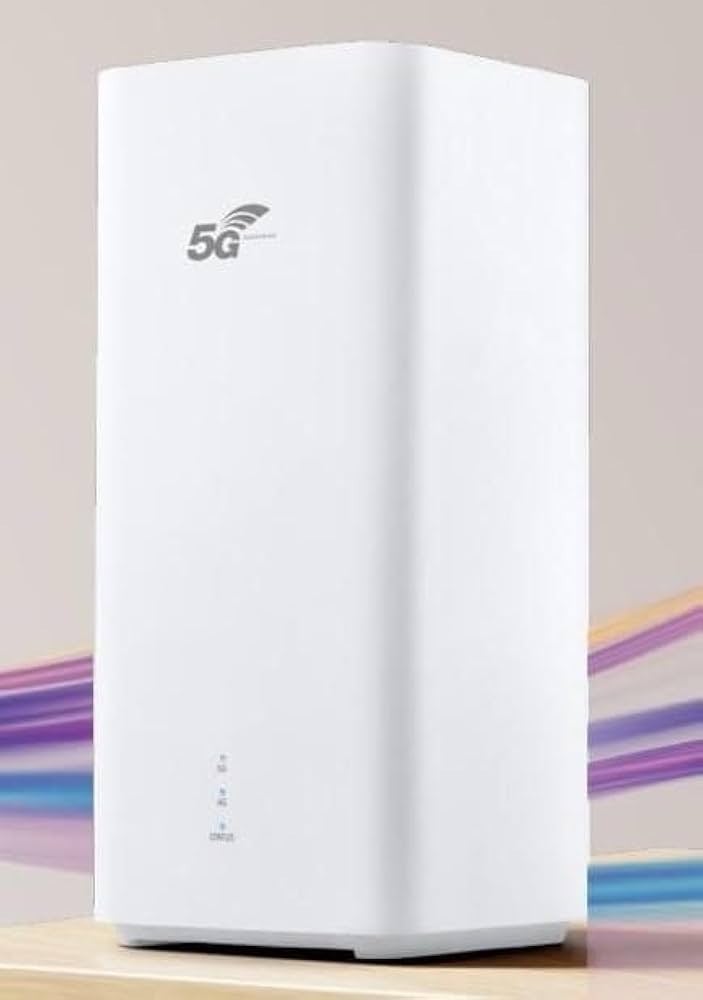
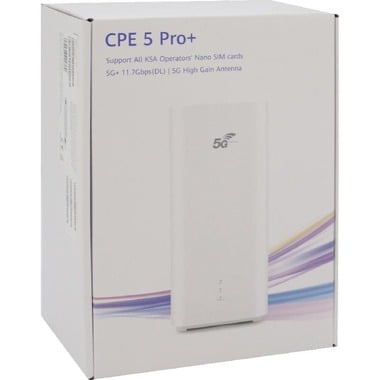

Huawei CPE 5+ Pro 5G Home Router - Ultra-fast speed up to 11.7Gbps

Click on the image to enlarge it

هواوي | Huawei

اصلي 100%

Click here for more هواوي | Huawei
Agent Warranty 24 Months

Huawei CPE 5+ Pro 5G Home Router - Ultra-fast speed up to 11.7Gbps

The Huawei CPE Pro 6 H165-383 is one of Huawei’s latest routers, combining advanced 5.5G and Wi-Fi 7 technologies to deliver an ultra-fast internet experience. It features a sleek white design and supports dual-band Wi-Fi, ensuring stable and high-speed connectivity for multiple devices simultaneously. Thanks to 8x8 MIMO and 3CC Carrier Aggregation, the router delivers outstanding performance even in high-density environments with many connected devices.


Technical Specifications

  • Model: H165-383
  • Supported Networks: 5.5G, 5G NR, 4G LTE
  • Max Download Speed: Up to 11.7 Gbps
  • Max Upload Speed: Up to 2.5 Gbps
  • Wi-Fi: Wi-Fi 7 (802.11be)
  • Frequency Bands: 2.4 GHz & 5 GHz
  • MIMO Technology: 8x8 MIMO
  • QAM Technology: 4K QAM
  • Supported Users: Up to 128 devices
  • Antennas: High-gain antennas up to 12 dBi
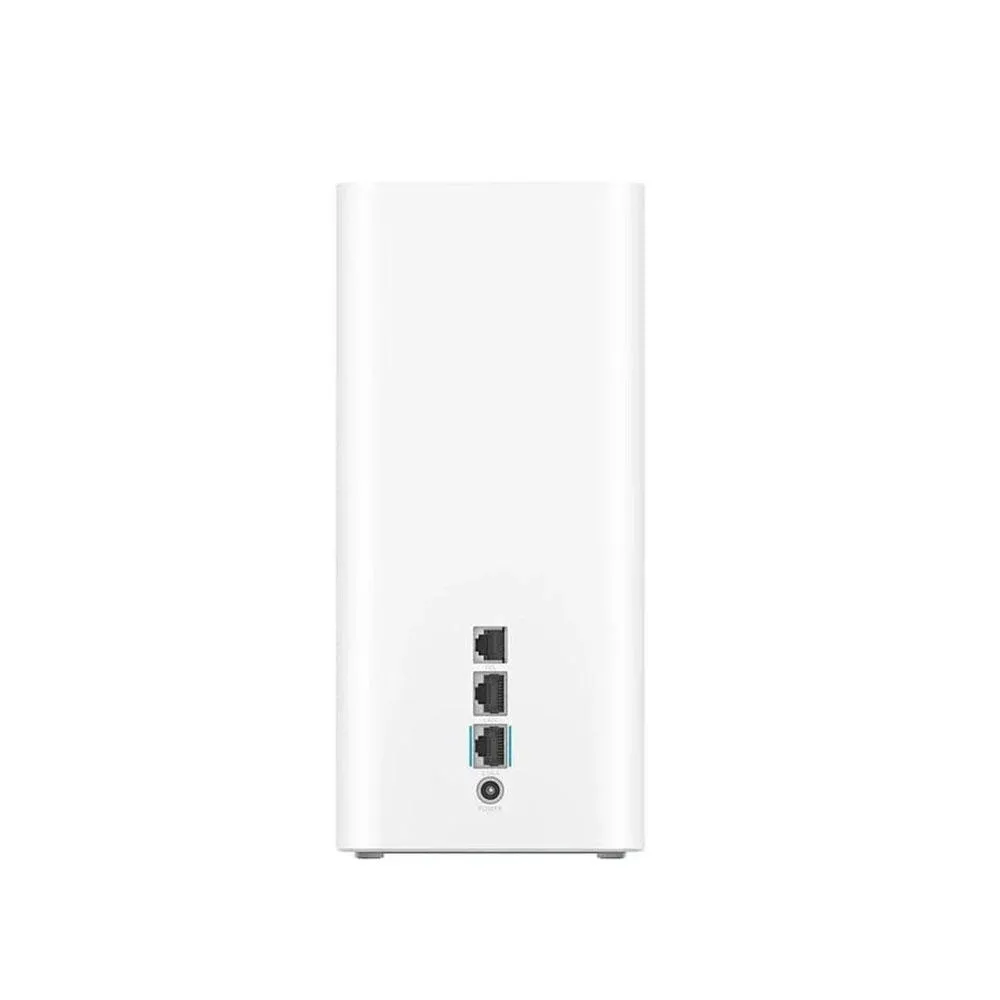
  • Ports:

1 × WAN/LAN

1 × LAN

1 × TEL

1 × Nano-SIM slot

  • Dimensions: 105.8 × 105.8 × 237.2 mm

Weight: 1.5 kg


Key Features

  • Ultra-Fast Performance: Supports download speeds up to 11.7 Gbps for a seamless internet experience.
  • Wi-Fi 7 Support: Faster, more stable wireless connectivity with next-generation technology.
  • Advanced MIMO Technology: 8x8 MIMO enhances coverage and performance in crowded environments.
  • High Device Capacity: Connect up to 128 devices simultaneously without compromising speed.
  • High-Gain Antennas: Improved signal reception, even in areas with weaker coverage.
  • Sleek Design: Modern white finish that fits seamlessly into any home or office setup.


How to Use

1. Insert SIM Card: Insert a Nano-SIM card into the designated slot.

2. Connect Power: Plug the router into a power source using the included adapter.

3. Turn On the Device: Press the power button to start the router.

4. Connect to Wi-Fi: Search for the router’s Wi-Fi network on your device and enter the password found on the device label.

5. Advanced Settings: Open a web browser and log in using the default credentials (usually admin/admin) to configure advanced settings.

6. Network Management: Use the Huawei SmartHome app to manage your network, monitor connected devices, and easily update Wi-Fi settings.

Read more
Sku : H00009

1,299 SAR

1,400 save 101 SAR

discount 7%

Secure Shopping, Your Data is Always Protected

The Huawei CPE Pro 6 H165-383 is one of Huawei’s latest routers, combining advanced 5.5G and Wi-Fi 7 technologies to deliver an ultra-fast internet experience. It features a sleek white design and supports dual-band Wi-Fi, ensuring stable and high-speed connectivity for multiple devices simultaneously. Thanks to 8x8 MIMO and 3CC Carrier Aggregation, the router delivers outstanding performance even in high-density environments with many connected devices.


Technical Specifications

  • Model: H165-383
  • Supported Networks: 5.5G, 5G NR, 4G LTE
  • Max Download Speed: Up to 11.7 Gbps
  • Max Upload Speed: Up to 2.5 Gbps
  • Wi-Fi: Wi-Fi 7 (802.11be)
  • Frequency Bands: 2.4 GHz & 5 GHz
  • MIMO Technology: 8x8 MIMO
  • QAM Technology: 4K QAM
  • Supported Users: Up to 128 devices
  • Antennas: High-gain antennas up to 12 dBi
  • Ports:

1 × WAN/LAN

1 × LAN

1 × TEL

1 × Nano-SIM slot

  • Dimensions: 105.8 × 105.8 × 237.2 mm

Weight: 1.5 kg


Key Features

  • Ultra-Fast Performance: Supports download speeds up to 11.7 Gbps for a seamless internet experience.
  • Wi-Fi 7 Support: Faster, more stable wireless connectivity with next-generation technology.
  • Advanced MIMO Technology: 8x8 MIMO enhances coverage and performance in crowded environments.
  • High Device Capacity: Connect up to 128 devices simultaneously without compromising speed.
  • High-Gain Antennas: Improved signal reception, even in areas with weaker coverage.
  • Sleek Design: Modern white finish that fits seamlessly into any home or office setup.


How to Use

1. Insert SIM Card: Insert a Nano-SIM card into the designated slot.

2. Connect Power: Plug the router into a power source using the included adapter.

3. Turn On the Device: Press the power button to start the router.

4. Connect to Wi-Fi: Search for the router’s Wi-Fi network on your device and enter the password found on the device label.

5. Advanced Settings: Open a web browser and log in using the default credentials (usually admin/admin) to configure advanced settings.

6. Network Management: Use the Huawei SmartHome app to manage your network, monitor connected devices, and easily update Wi-Fi settings.

See more View less